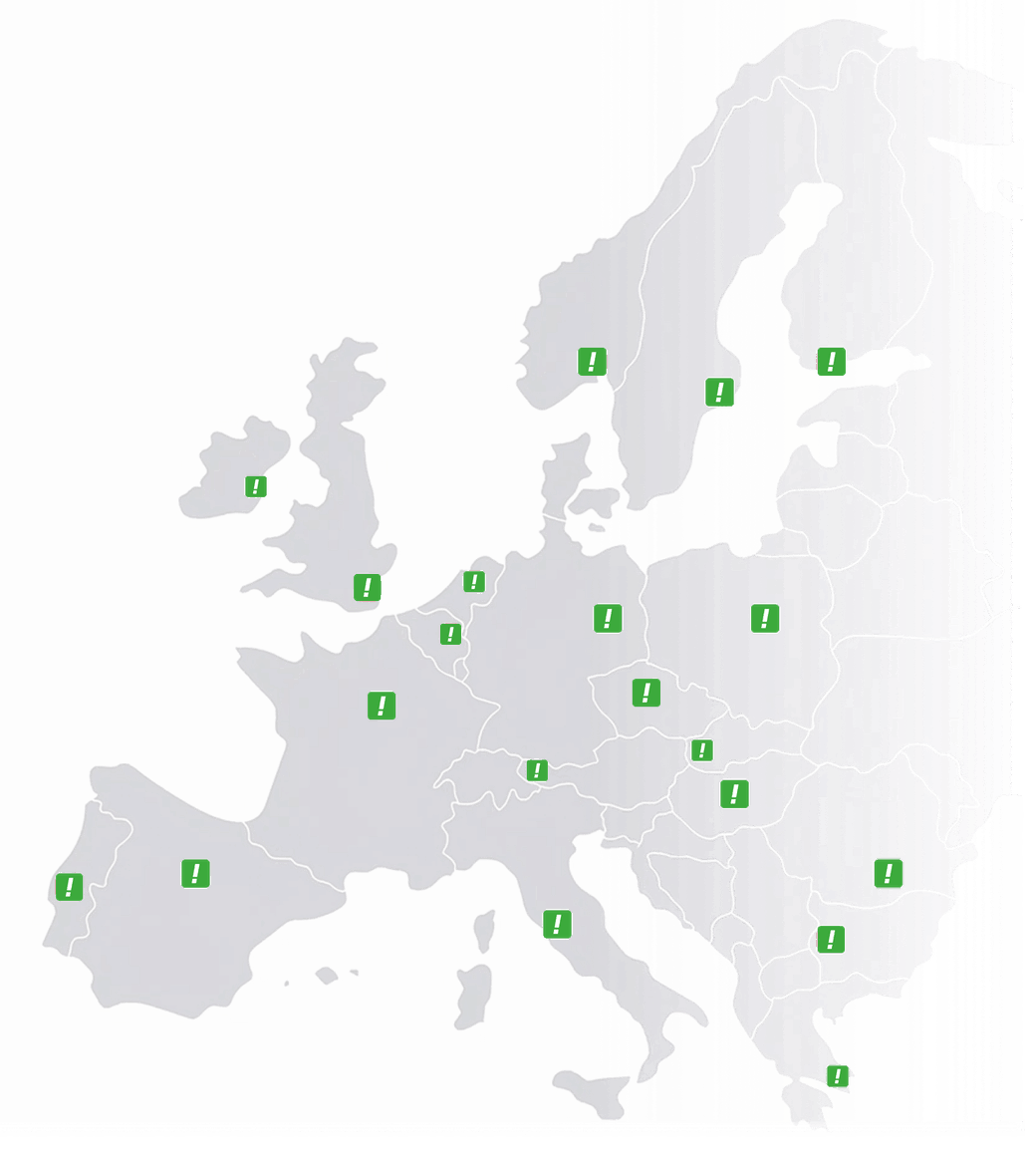

 Austria
 Belgium
 France
 Germany
 Italy
 Netherlands
 Poland
 Spain
 Sweden
 United Kingdom
 United States

Meta is rolling out a significant privacy change in WhatsApp: users can now identify themselves with a username instead of a phone number. The feature is currently being activated in stages, starting with the option to reserve a name, with the full rollout following later this year.
For private users this is mainly a privacy improvement, but for businesses using WhatsApp Business for customer contact the announcement raises practical questions. Below we explain exactly what is changing and what it means for the way customers and prospects can reach your business via WhatsApp.
What exactly is changing?
Users can set a unique name of between three and thirty-five characters, which then serves as an alternative to the phone number for new contacts. If you message someone with a username set for the first time, you will no longer see that person’s phone number.
Importantly, there is no public username directory, and WhatsApp does not autocomplete or suggest names as you type. You need to already know someone’s exact username to reach them for the first time, which makes the feature primarily a privacy measure rather than a search tool for new contacts.
Is a phone number still needed?
Yes. A phone number remains required to create and keep a WhatsApp account, even if you set a username yourself. Existing contacts and the members of groups you are already in will also continue to see your phone number as they always have. The username is therefore an addition to the phone number, not a replacement for it.
What does this mean for customer communication via WhatsApp Business?
For a business handling inbound customer queries through WhatsApp Business, little changes in practice. Customers who already know your number from your website, email signature or business card will keep reaching you the same way. Meta is giving businesses, organisations and creators with an existing Instagram or Facebook account the chance to claim their username first, so that it can match the name used on the other platforms. To prevent abuse and impersonation, Meta also keeps the names of well-known people, public figures and government bodies reserved separately.
WhatsApp as a customer channel: the official routes
If you want to set up a deliberate customer entry point through WhatsApp, bear in mind that only an official route comes with guarantees. You can register a landline number in the free WhatsApp Business app yourself, with verification by phone call, but WhatsApp decides whether it accepts the number and whether the account stays active. A verified Business account on the WhatsApp Business Platform is arranged directly through WhatsApp or through an official Business Solution Provider.
The new username rules also show that Meta wants to build a more direct relationship with businesses, separate from the telecoms provider supplying the number. We therefore advise waiting for the username rollout before setting up a WhatsApp customer entry point, so that a phone number stays a phone number instead of becoming tied to your business WhatsApp identity, as often happened under the old approach. We have always advised against that and recommend keeping the two channels separate. The new rules make that easier, whether directly through WhatsApp or through an official Business provider.
Why a fixed business number remains valuable
A username only works once the customer already knows that name, since without a directory or autocomplete there is little for them to discover on their own. For the first point of contact with a new customer or prospect, a fixed main business number therefore remains the most predictable entry point, regardless of whether the conversation ultimately comes in by phone call, WhatsApp or another app. Put that number on your website, in your adverts and on your invoices, and a customer will always know how to reach you, whatever settings WhatsApp changes in the background.
What can you do now?
No action is required at this stage. When the WhatsApp Business app next updates, keep an eye on whether the option to reserve a username becomes available, and then consider whether it is worth claiming a name that matches your business name on other channels. Your phone number, and with it your reachability for existing customers, stays unchanged in the meantime. If you are deciding how to use WhatsApp on that number, our article on WhatsApp on your business number sets out what is and is not allowed.