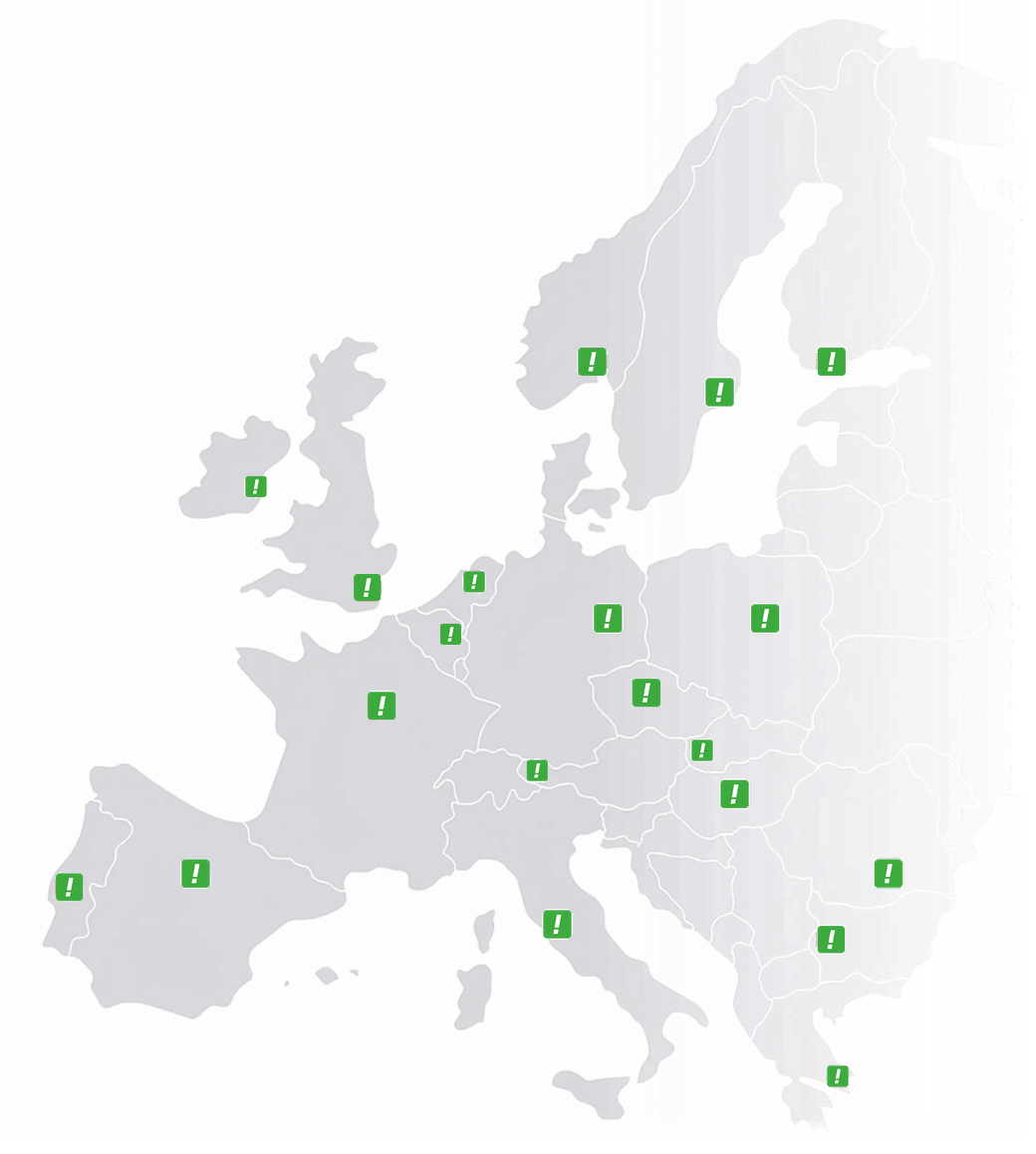

 Austria
 Belgium
 France
 Germany
 Italy
Italy Netherlands
 Poland
 Spain
Spain Sweden
 United Kingdom
 United States
Not every caller needs to get through.
Telemarketers, robocalls, one persistent number, or a line that should only be open to your biggest customers. For each number you decide who gets through — and what everyone else hears.
Is someone calling from a withheld number? Give us the date and time, and we will find out which number it was.
Incoming calls · +353 1 234 5678
- +353 87 123 4567 on your list connected
- +353 1 000 1122 telemarketing, blocked message + hung up
- anonymous number withheld refused
- +44 20 7946 0958 VIP — menu skipped straight to Aoife
You decide what a refused caller hears: a busy tone, a message or voicemail.
Two problems that come down to the same thing
Either too much incoming traffic arrives that does not belong there, or a line is meant for a select group only. Both raise the same question: who is allowed through?
Every interruption costs more than a minute
A telemarketer pulls someone away from their work, and the time it takes to get back into it counts double. When the same number keeps calling, that happens all over again every week.
The line is busy for the people you do want to speak to
During a peak period every line counts, so a robocall that comes in four times an hour ties up capacity that was meant for customers.
Some numbers should not be open to everyone
A support line for your biggest accounts, a management line that must not be interrupted, or a care line that is only for patients and referring doctors.
From “everyone except” to “only those who know the code”
The same gate, four ways to set it. You choose one per number, and you can switch later without setting anything up again.
Everyone gets through, except these
You keep a list of numbers that never get through, whether single numbers, entire ranges or all anonymous callers at once. The call is stopped before your phone rings, so your team never notices it.
For: spam, robocalls, one persistent caller
Nobody gets through, except these
Only numbers you have approved in advance get through, while everyone else hears a busy tone or a message, or goes to voicemail. You can also give approved callers a route of their own — skipping the phone menu, or reaching one particular person straight away.
For: a line for top clients, the board, or a restricted care line
Allow, block and redirect at the same time
A block list and a whitelist side by side, plus the option of sending certain numbers somewhere else instead of refusing them — for example a known supplier straight through to purchasing.
For: when one list is not enough
Only those who know the code
The caller hears a prompt and enters a PIN code. If it is correct, the call goes to the destination that belongs to that code. If it is not, you decide what happens: try again, voicemail, or hang up.
For: an on-call line, an internal line, or one number that serves several departments
Each code can lead to a different destination, so one number can serve several teams, or a major client can get a direct code to their account manager.
Even a withheld number can be blocked
The most annoying callers are precisely the ones who hide their number. You can refuse anonymous calls as a group, but then you also block the people who simply do not show their number.
Keep anonymous callers out as a group
With one setting, no call without caller ID gets through. It works, but it is a blunt tool, because it also keeps out the GP who calls from a withheld surgery line.
We find out which number it was
Give us the date and time of the call, and we trace the withheld number and put exactly that one on your block list. Everyone else still gets through as normal.
We can do this because we are the licensed operator ourselves and the call comes in over our own network. A provider without its own platform cannot see that number and so cannot help you with this — all it can offer is to refuse every anonymous caller.
Who, what they hear, and for how long
What the refused caller hears
three optionsA busy tone, a recorded message or forwarding to voicemail. For a business contact you would rather not speak to for a while, a message is more courteous than a busy tone.
Temporary or permanent
with an end dateA block for this week, or for good. That is useful during a campaign period, or for one caller who is overstepping the mark for now.
One number or all your numbers
per line or allA block can apply to the line where the problem is, or straight away to all your CallFactory numbers — national and international.
How you keep the list up to date
ExcelFor large lists you keep the Excel file up to date — with the columns you already know — and we process it. There is no new screen to learn, and you keep track of who is on the list and why.
What blocking does not solve
A block list works on numbers, and the most persistent spam callers keep changing theirs. It stops the recurring telemarketer and the one caller you no longer want to speak to, but it does not put an end to spam in general. If that is a constant problem for you, mode 2 serves you better: nobody gets through except the people you know, instead of endlessly mopping up.
What customers ask about it
You decide. A busy tone sounds like an ordinary busy line and gives nothing away, whereas a recorded message is clearer. With a business contact the second is usually more courteous, while with a spam caller it makes no difference.
Yes. If the nuisance keeps coming from numbers that look alike, you block the whole range with a single entry instead of adding them one by one.
You send us an email with the number, and we add it. The block takes effect immediately, so you do not have to wait for anything to be processed overnight. If it involves hundreds of numbers or codes, you keep the list in Excel and we process the file.
You can give them a route of their own: skipping the phone menu, going straight to a particular person, or being announced with a whisper tone so that your colleague knows this is an important call.
Yes, on all your CallFactory numbers, from an Irish telephone number to an international telephone number. You set it per line, so a UK number can have a different list from an Irish one.
Hundreds of entries are no problem. At that scale you keep the list in an Excel file — you send it to us and we process it. You do not need to learn a new system for it, and you keep track yourself of who is on the list and why.
Share the date and time of the call with our support team so that we can trace the anonymous number for you and add it to your block list. You can also choose to block all anonymous calls completely if your business has no reason to receive them.
No, blocking and allowing only work on incoming calls to your CallFactory number.
Yes. You combine the list with a phone menu, a whisper tone, calendar-based call routing, voicemail and more, so that the list decides who gets through and the other features decide what happens next.
Yes. Record your own audio or use our text to speech assistant to generate a professional prompt. You also decide what callers hear when they enter an incorrect PIN.
Who should not get through?
One number, a whole range, or the other way round: only this list and nobody else.