
 Austria
 Belgium
 France
 Germany
 Italy
 Netherlands
 Poland
 Spain
 Sweden
 United Kingdom
 United States
On the Destinations screen, you will see Edit in the top right corner. When you click on this, you can delete or edit the destinations stored in your phone book.
You can only delete destinations that are not in use. You will see a red delete icon next to each destination that can be removed.
Behind each destination, you will see an Edit link. When you click on this, you can change the name and number of the destination.
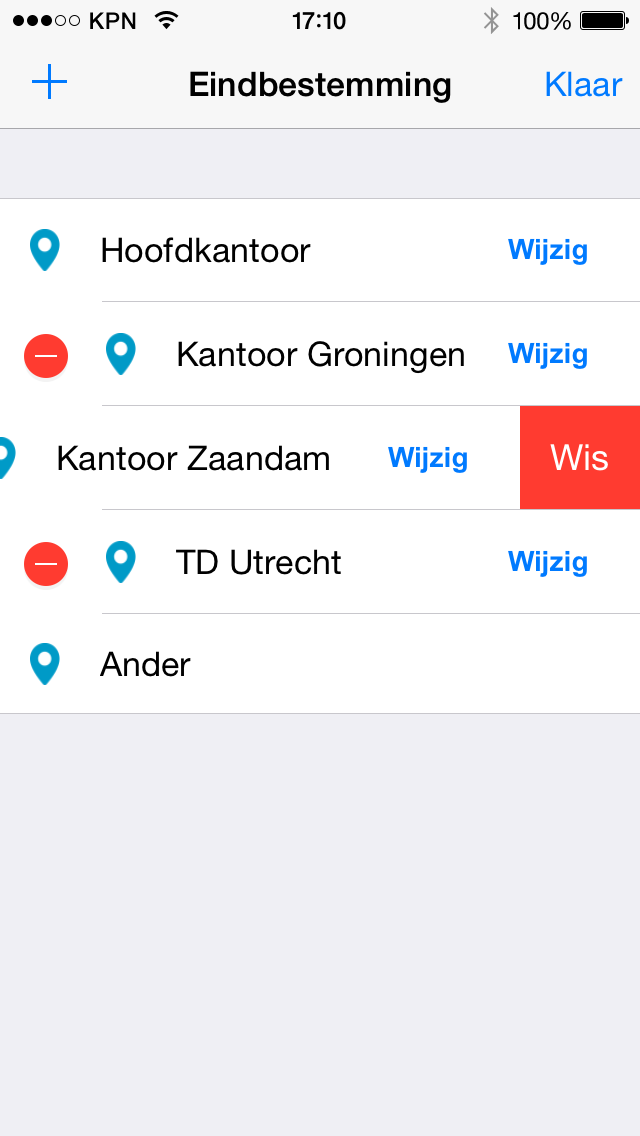
Note: For destinations that are in use, you can only change the name. This is to prevent issues with forwarding incoming calls.


