

 Austria
 Belgium
 France
 Germany
 Italy
 Netherlands
 Poland
 Spain
 Sweden
 United Kingdom
 United States
After you have logged in to the application, you will see an overview of your phone numbers. Select the number for which you want to change the destination. If you use multiple extensions, you will see them on the next screen.
You will now see a screen that looks like this:
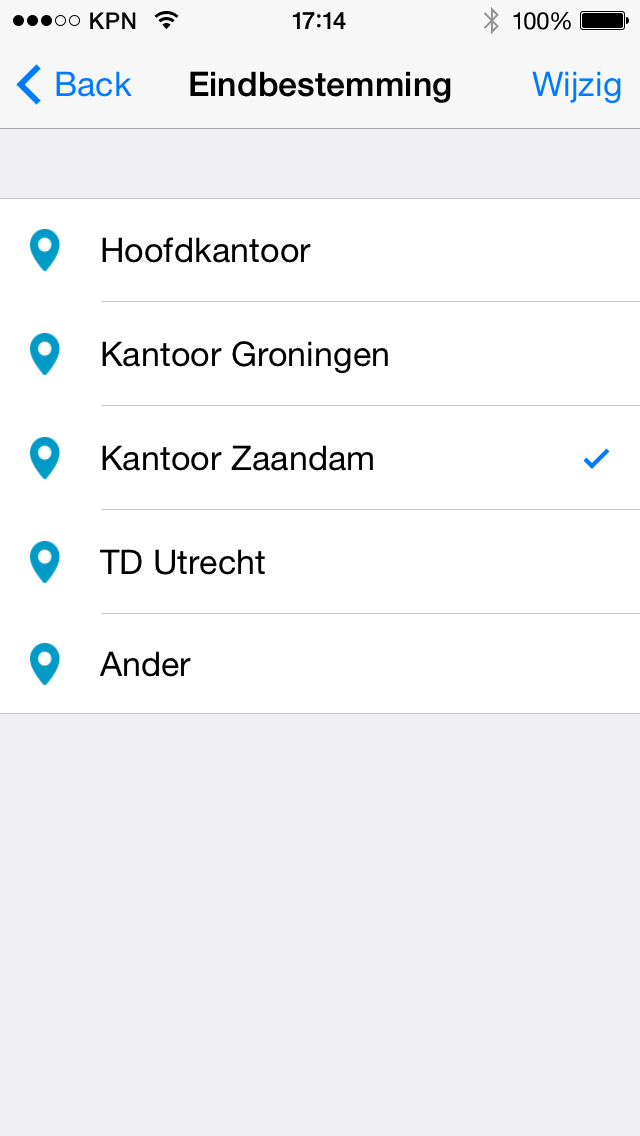
Available destinations in the CallFactory app
Choose the extension for which you want to change the destination by simply clicking on the extension name.
The change is executed immediately, and you will receive a confirmation once the change is complete. From that moment, all incoming calls will be forwarded to the new destination.
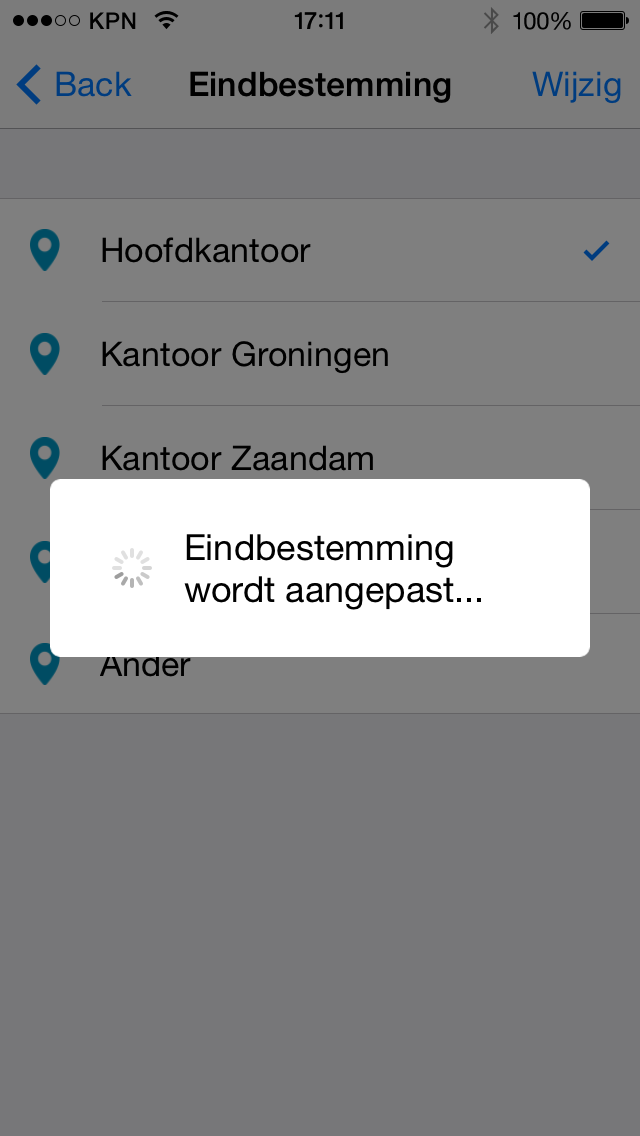
Destinations are updated in real-time.


