

 Austria
 Belgium
 France
 Germany
 Italy
 Netherlands
 Poland
 Spain
 Sweden
 United Kingdom
 United States
Log in to the team dashboard and you will see your current status. Click on a different status to switch. The change takes effect immediately.
There are two statuses:
- Available: incoming calls can be forwarded to you.
- Unavailable: no calls will be forwarded to you.
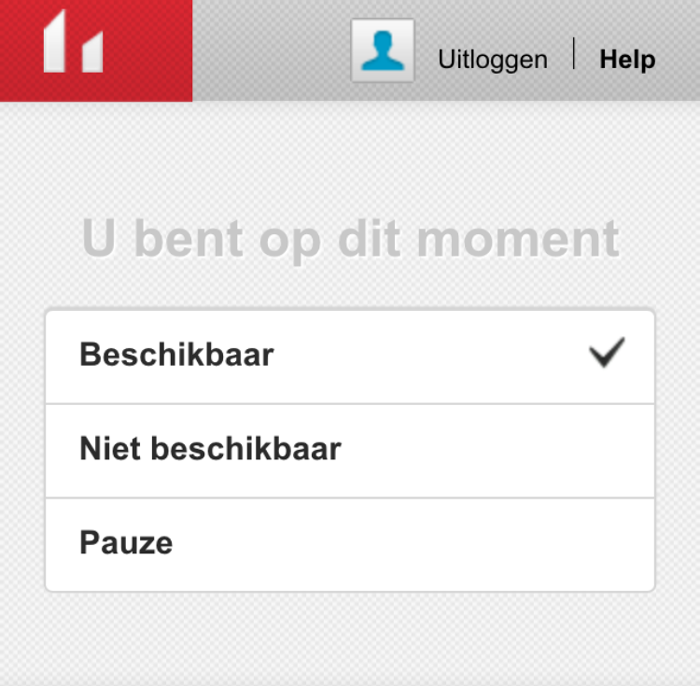
Switch to available at the start of your shift and to unavailable at the end or when you step away, for example for lunch. The system skips you and tries the next person until you switch back to available. A mobile app for iOS and Android, where you can also change your status, is coming soon.


