

 Austria
 Belgium
 France
 Germany
 Italy
 Netherlands
 Poland
 Spain
 Sweden
 United Kingdom
 United States
Transferring a call with a Yealink phone is simple and can be done in two ways.
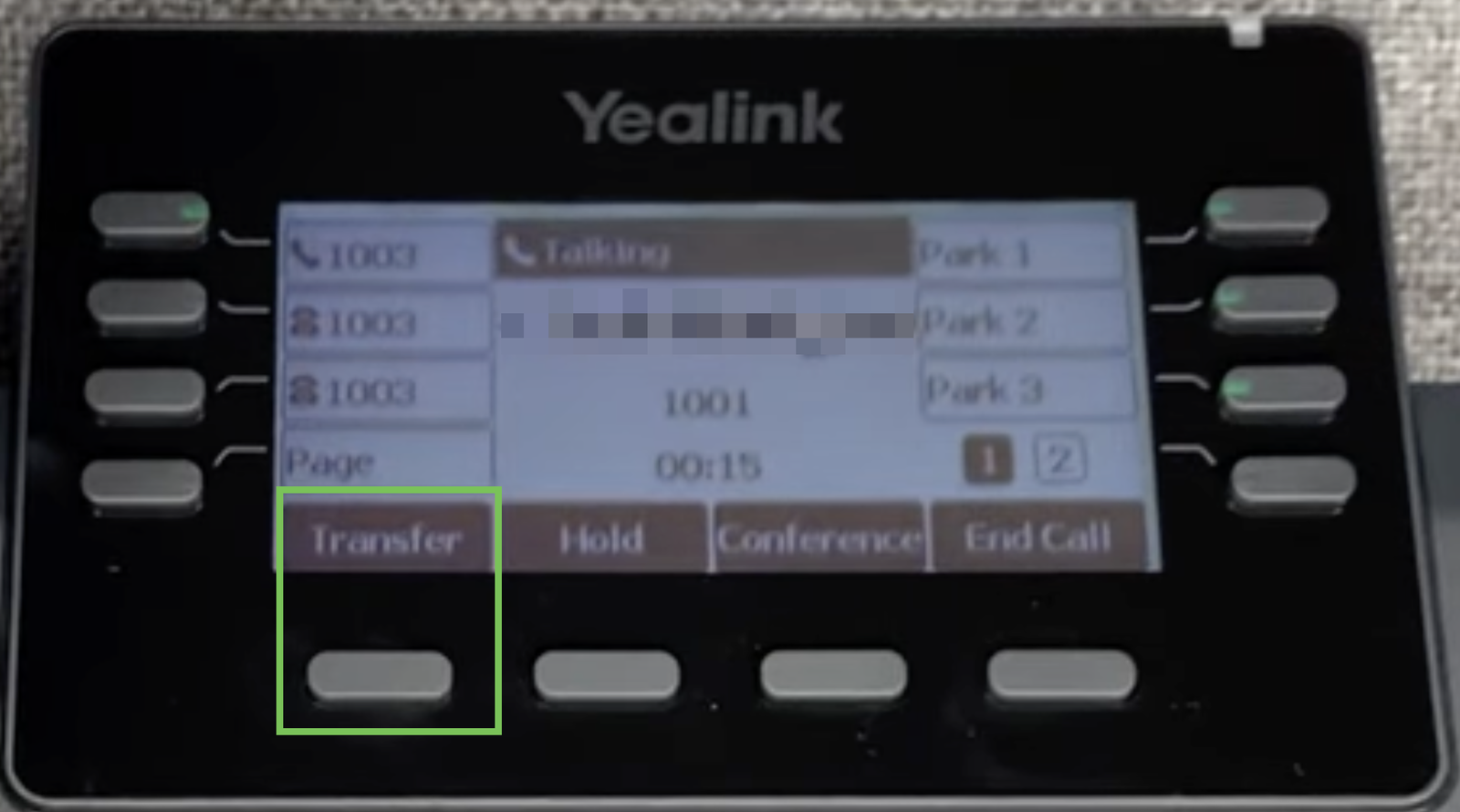
The first way is to answer the call and then transfer it to a colleague.
You want to first speak to your colleague and inform them who is calling (“I have Sean from Sales on the line”).
The following steps should be taken:
- Answer the call
- Press “transfer.” On newer phone models, this is a button below the screen of your phone
- You can now start a new call to your colleague. Enter your colleague’s number, for example, extension 303. Press “send” (or “dial”)
- Your colleague answers your call
- You inform them who is on the line
- Press “transfer”
- The call is now transferred to your colleague, and you can hang up.
A faster way is to transfer the call “cold” (or blind).
In this case, you do not inform your colleague who is calling but simply transfer the call without speaking to them first.
- Answer the call
- Press “transfer”
- Enter your colleague’s number, for example, 303. Press “transfer”
Done!


