

 Austria
 Belgium
 France
 Germany
 Italy
 Netherlands
 Poland
 Spain
 Sweden
 United Kingdom
 United States
Go to https://www.zoiper.com/, navigate to “DOWNLOAD,” and download the version you need.
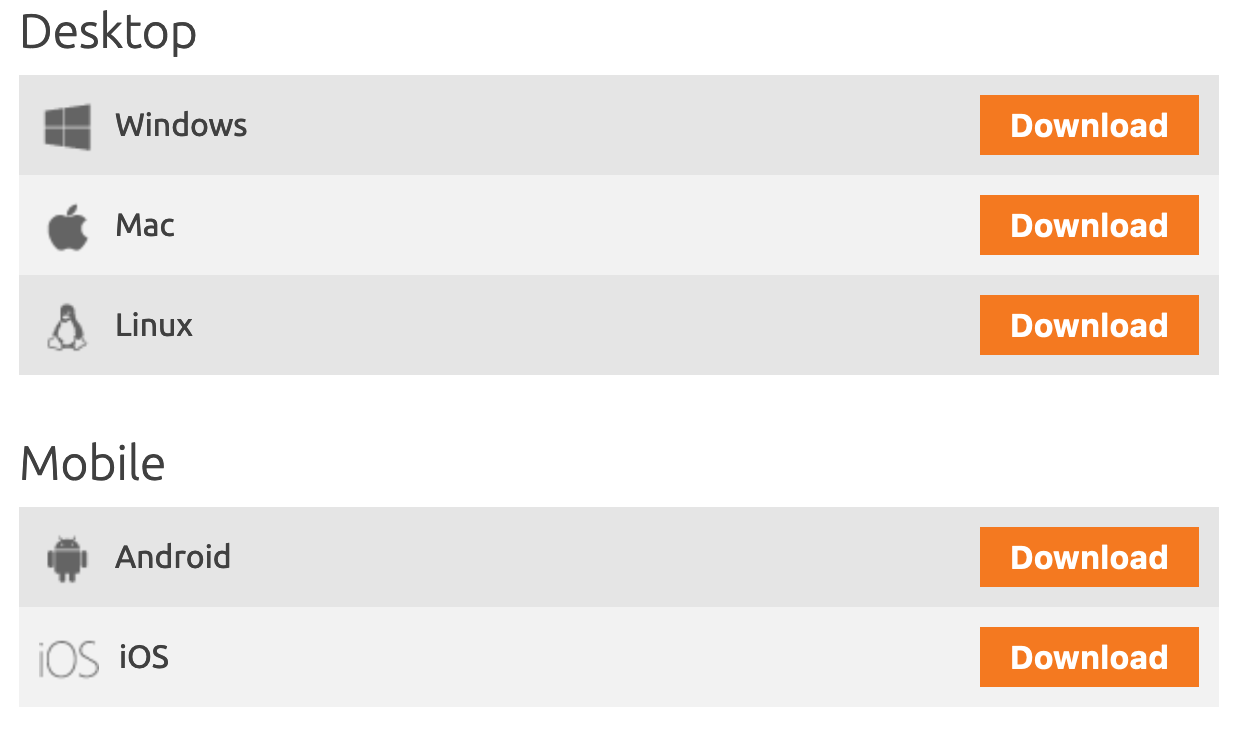
The download should start automatically after 10 seconds. After downloading, proceed with the package and follow the steps required to install the software. Then, open the Zoiper application on your Android smartphone and enter the SIP details in several steps (authentication and proxy are not required). Zoiper will perform a test (this may take some time) and then notify you that the softphone is active.
Installation on iPhone
For iOS devices specifically, follow these steps:
Press the plus icon in the top right to add an account.
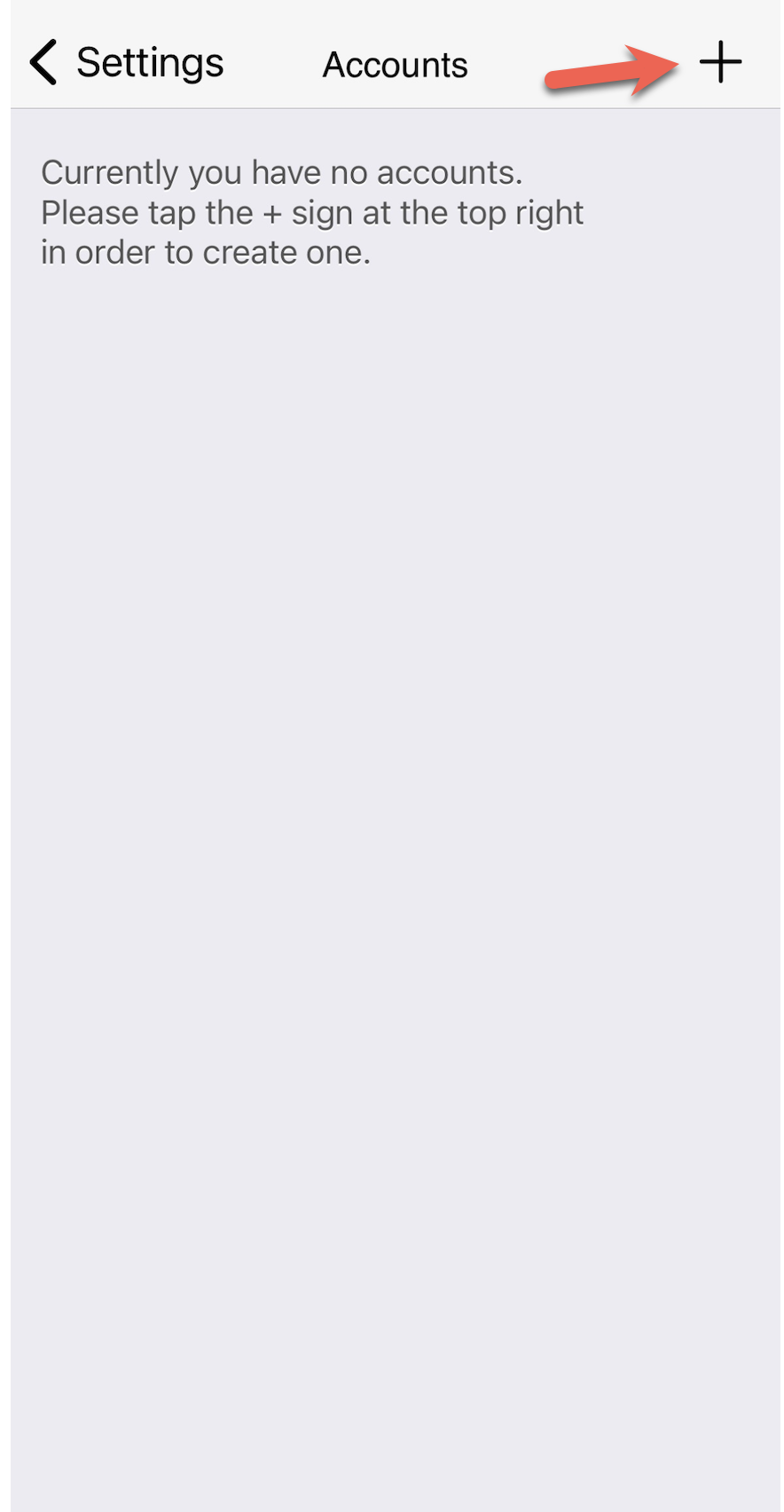
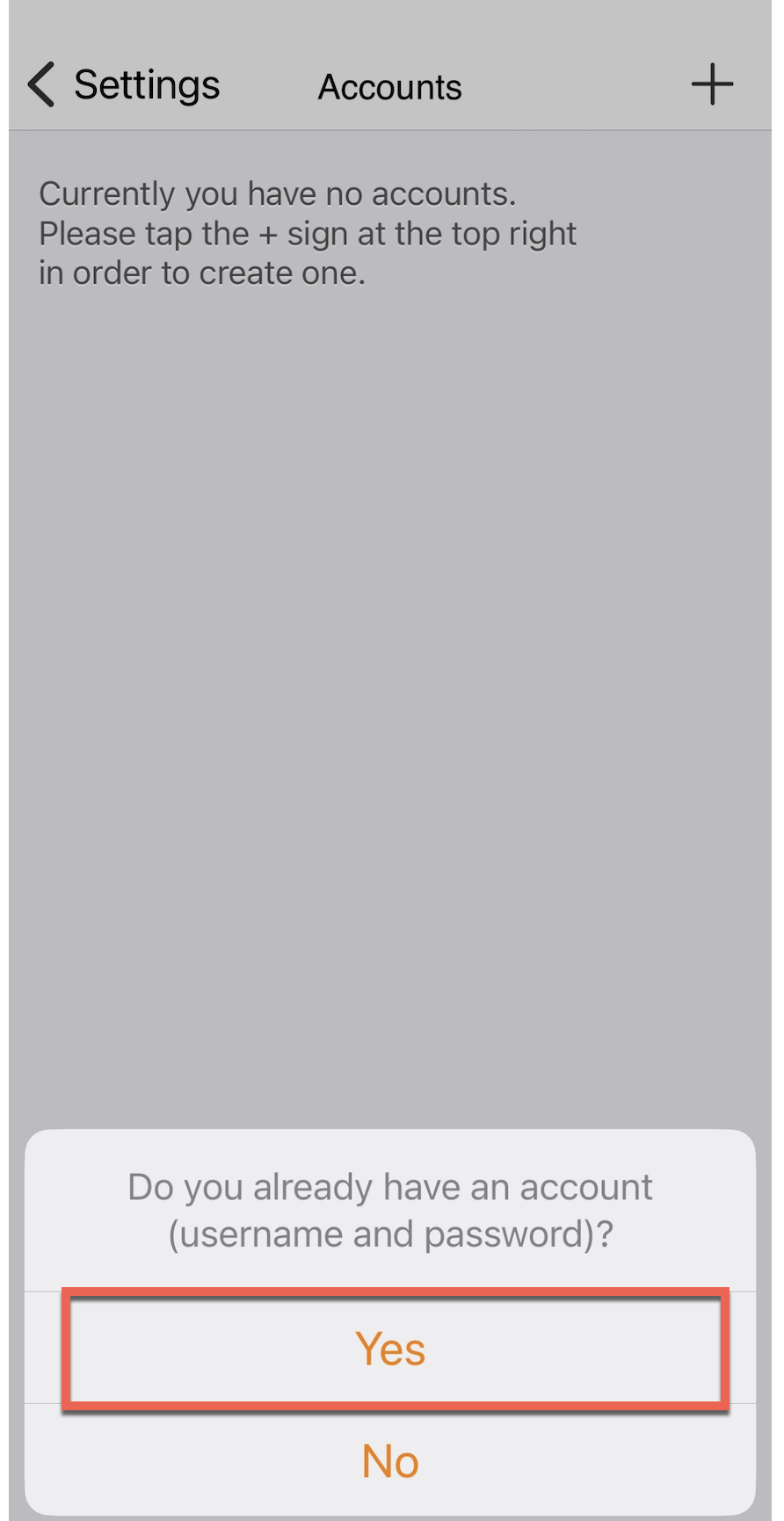
You will be asked if you already have an account. Choose Yes.
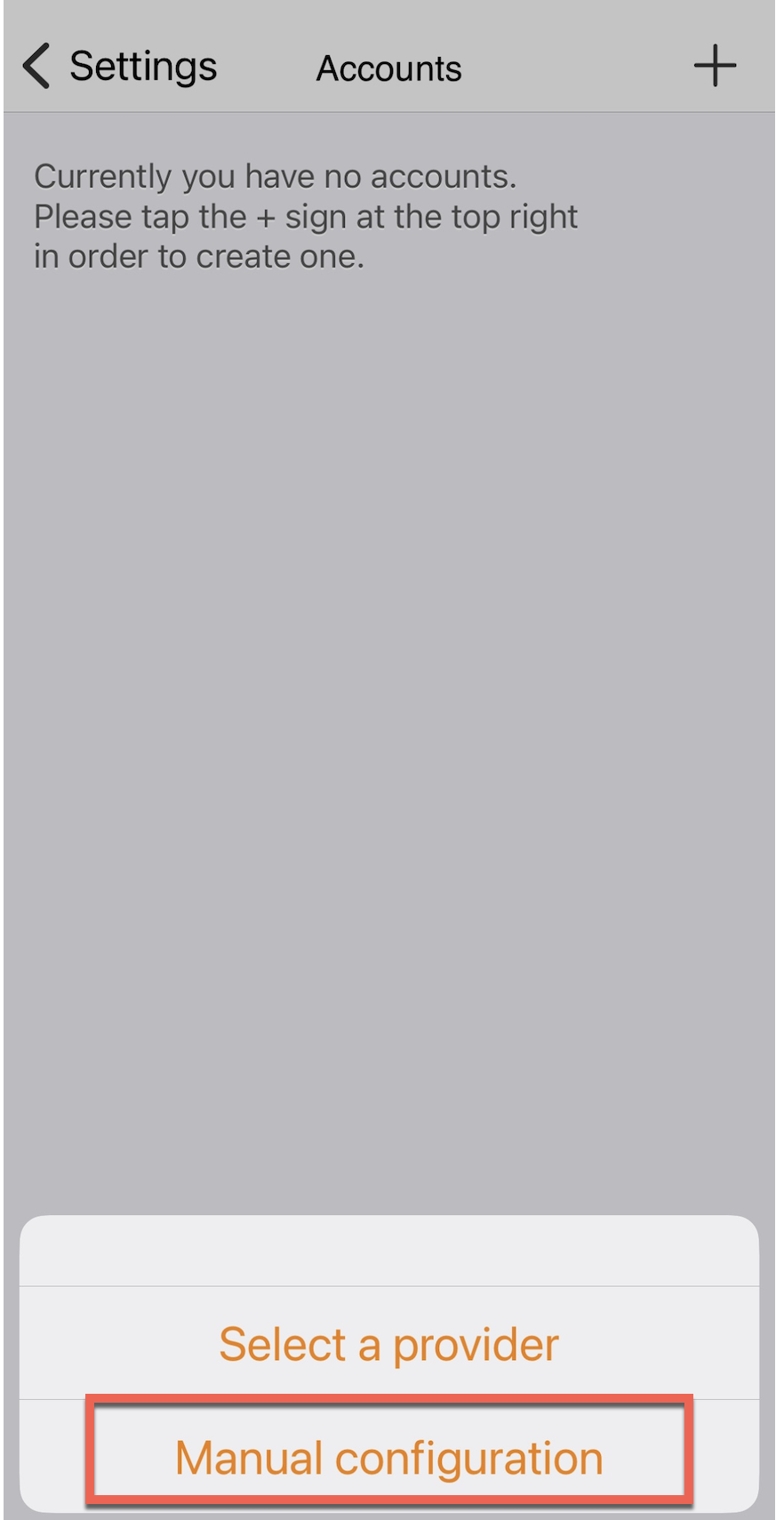
You will be asked if you want to do a manual configuration. Choose manual configuration.
Select SIP account as the account type.
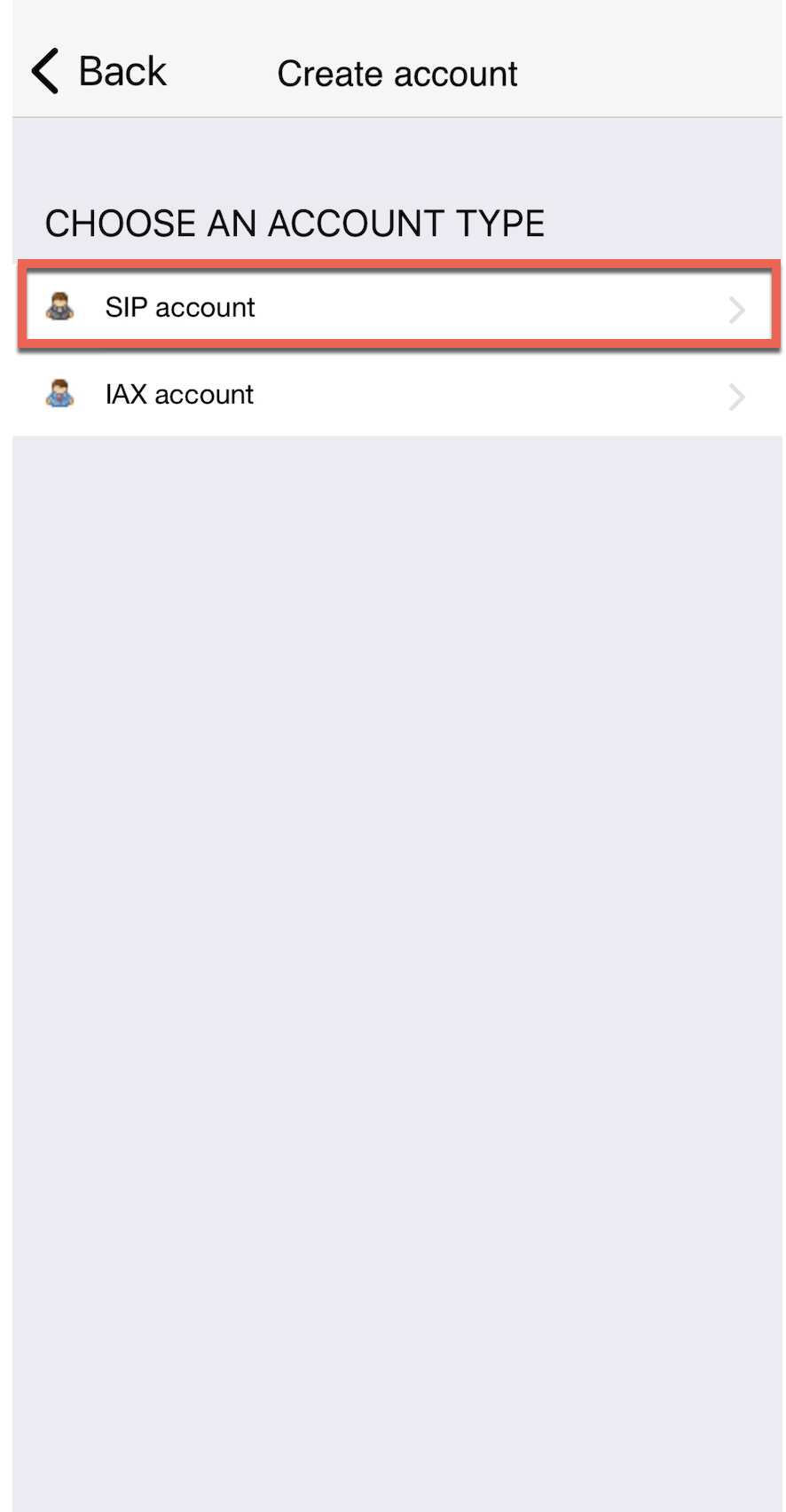
Then, you can fill in the settings.
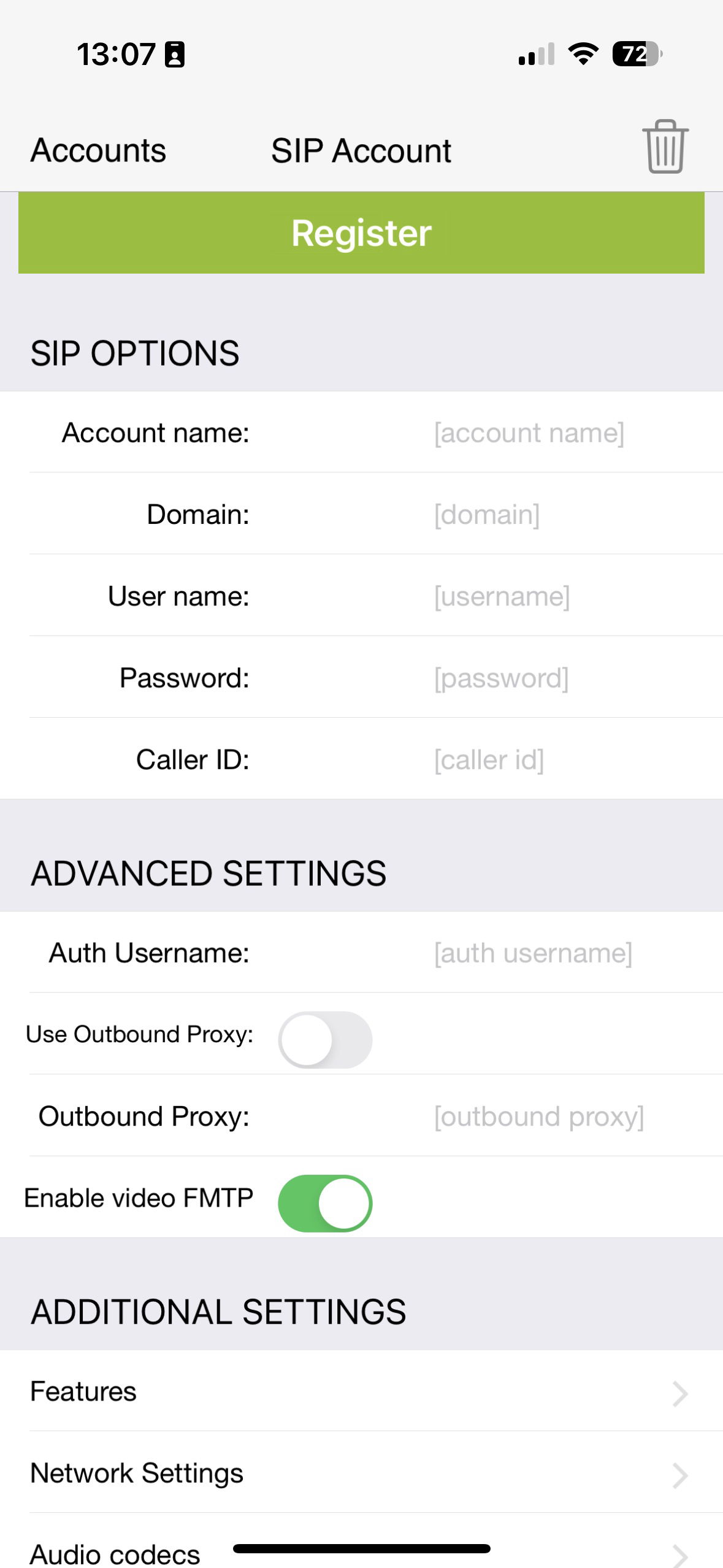
As the final step, under network settings, change the transport setting from UDP to TCP.


