
 Austria
 Belgium
 France
 Germany
 Italy
Italy Netherlands
 Poland
 Spain
Spain Sweden
 United Kingdom
 United States
Buy whatever handset you like. You or your IT partner connect it.
We do not sell hardware, rent hardware, or lock you to a brand. Order the desk phone you want through your own IT partner or supplier, create a VoIP account in the dashboard, enter the credentials on the handset, and it is live on your business number. Your IT partner can do the whole thing without involving us, and if you already have handsets from a previous provider, in most cases they will work too.
- Any SIP brand Ubiquiti, Yealink, Snom, Gigaset, Cisco: if it speaks SIP, it works
- Any IT partner your own supplier orders, installs and supports it, while we stay out of the middle
- Minutes from unboxing to taking a call, once the handset is on the desk
- No rental you own the handset, so it stays yours if you ever leave
There is not much to it, and that is the point
Most providers make the handset part of the deal: their model, their markup, their rental agreement, and a contract that gets awkward if you leave. We are not in the hardware business.
If it speaks SIP, it works
Our platform talks the standard SIP protocol, so it does not care who made your handset. Ubiquiti, Yealink, Snom, Gigaset or Cisco, one handset on reception or forty across three sites, it makes no difference to us.
No certified-hardware list, and no “supported devices” page to check before you buy.
Your supplier stays your supplier
The partner who already handles your switches, workstations and network can order the handsets, rack them, configure them and support them. We do not ask to be inserted into that relationship, and we do not charge you for the privilege of them doing their job.
For most businesses, phones are the logical thing to add to an order that already exists.
Your old handsets probably still work
Switching from another provider does not mean binning the hardware. Any SIP-compatible handset can register with us, whoever it was bought from and whoever it was pointed at before, so you reconfigure rather than replace.
Worth checking before you budget for new hardware, because it is often the largest line item in a switch.
Four steps, and one of them is waiting for the post
Once the handset is on the desk, the rest takes about as long as setting up a printer. There is nothing to install on your network and nothing for us to ship you.
- 01
Buy the handset
From your IT partner or supplier. If you already have SIP handsets, skip this step entirely, because you are starting at step two.
- 02
Create a VoIP account
In your CallFactory dashboard, add a VoIP user for the workstation. This generates the SIP credentials shown on the right.
- 03
Enter them on the handset
Through the handset’s own screen menu, or its web interface if you would rather do it from a laptop. It takes four fields.
- 04
It registers, and it rings
The handset connects to our platform and is immediately ready for inbound and outbound calls on your business number, with no callback to support and no provisioning window.
1042-reception
••••••••••••
sip.callfactory.ie
5060 · TLS
These four fields are the whole configuration. Add as many VoIP accounts as you have workstations: there is no per-device provisioning step and no charge for an extra account.
A desk phone is an internet endpoint. Do not let it be your only one.
We would rather say this plainly than let you find out during an outage. A SIP handset reaches us over your office internet connection, so if that connection goes down, that handset stops ringing. This is true of every VoIP desk phone from every provider, ours included.
That is why your number should never point at a single endpoint. Ring the desk phone and a mobile together, or fall back to the mobile when the handset does not answer. The mobile arrives over the phone network and does not care what your router is doing.
Desk phone and softphone
Both ring at once, and whoever is at their desk or on their laptop picks up first.
ring: desk + softphone, 20s
The mobile on call
The call falls back to whoever is on duty, over the mobile network rather than your office broadband.
then: mobile of the duty phone
A voicebot
It answers, works out whether it is urgent, and either passes it on or takes a message for the morning.
else: voicebot → urgent? → call out
one business number · three endpoints · changed from the dashboard whenever the pattern changes
Ubiquiti UniFi Talk Touch, or Yealink
We have no commercial reason to prefer either, because we do not sell them. These are simply the two that cause our support team the fewest problems.
A touchscreen anyone can use
Large screen, plain menus. Staff who would rather not think about a phone can use it without being shown how, which matters more than any spec sheet line.
A polycarbonate case
Rather than the standard plastic. It feels more solid on the desk and survives being knocked about for longer than the cheap end of the market.
Firmware updates from the screen
Run a security update from the handset’s own menu, without anyone having to pick it up, open a web interface or remember it exists.
Yealink
Our customers’ most popular brand for years, and it behaves impeccably on our platform. Which of the two you pick usually comes down to what your IT partner stocks and how you want the desk to look.
The handset does not need to be near the number
Each phone registers with our platform over the internet, so within Ireland it makes no practical difference where the handset physically sits. Across borders there is a regulatory layer as well as a technical one, which the third card covers.
A colleague’s spare room
A handset on a home desk behaves exactly like one at head office: same number, same extension, same routing, and nothing for them to configure on their own broadband.
One site or several
Reception, the sales floor, a meeting room. Accounts are managed centrally from the dashboard even when the handsets were bought from different suppliers at different times.
Ask before you plan it
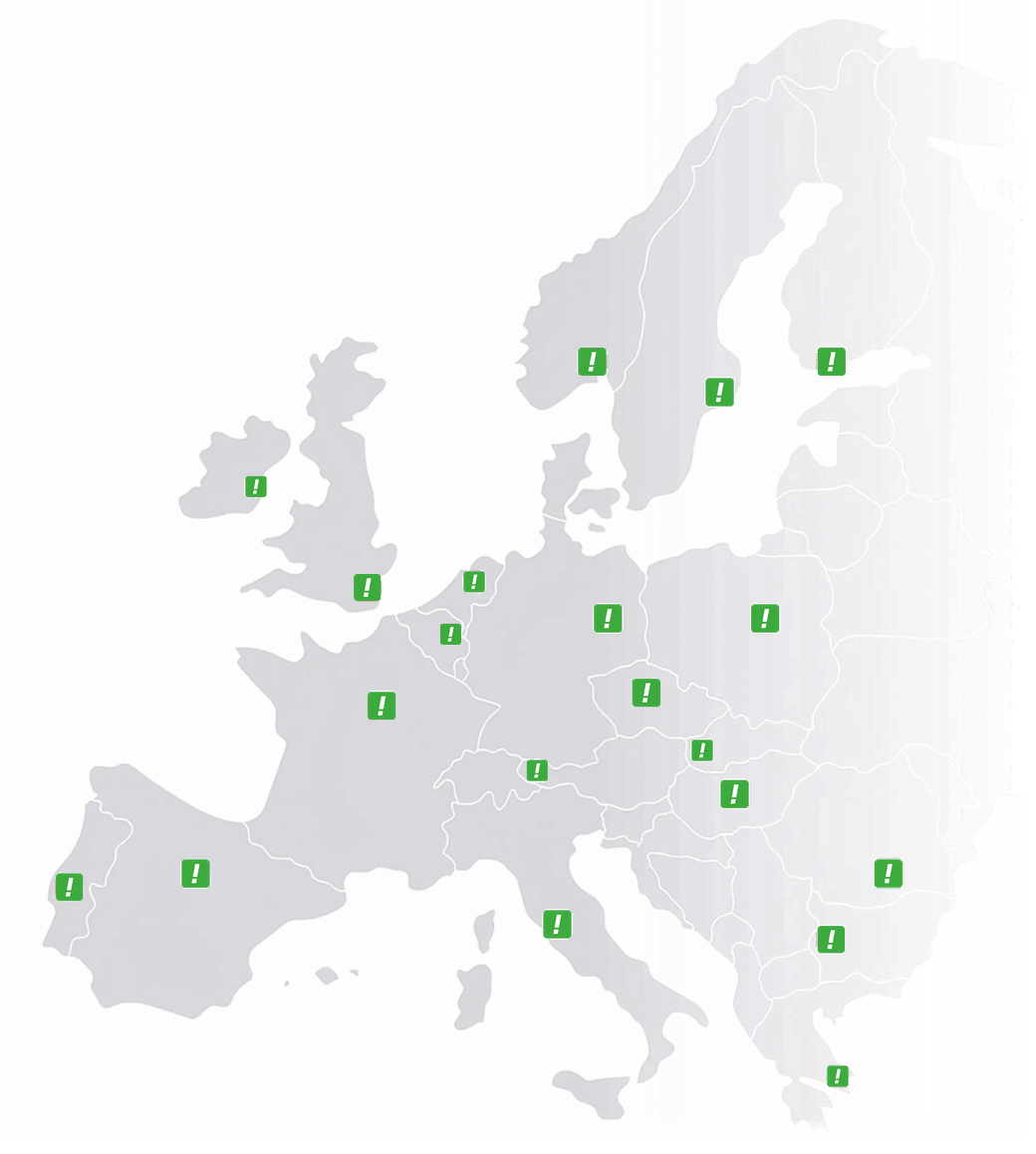
Technically a handset registers from anywhere. Legally it is not that simple, because several countries require the user of a number to be located in-country and the rules differ per market. We hold operator licences in 15 of them, so ask us first and you will get a straight answer about what is actually allowed.
Answer on what you have, or on what we give you
Calls always arrive on a phone, whether that is your mobile, a landline or a desk handset. What changes is how you steer them, and how much you want to steer. The desk phone is one of these, not a decision that rules out the rest.
Our app
The control, not the call. Set yourself available or unavailable and send today’s calls elsewhere from your pocket, while the call itself still arrives on your mobile as an ordinary call.
Softphone
The same business line on a laptop or desktop. It usually runs alongside a desk phone rather than instead of one, so both ring and you answer on whichever you are nearest.
Fixed on mobile
Business calls on a personal mobile without giving out the personal number, over the mobile network rather than the internet. The right fallback for field staff and for outages.
AI voicebot
An agent answers, asks the right questions, books or triages, and hands anything unusual straight to a person. Most businesses switch it on for evenings and weekends first.
Web interface
Where destinations, opening hours, voicemail and routing actually get changed. The layer above all the handsets rather than another place to answer a call.
Team dashboard
Who is free, who is mid-call, and where each number currently points. Useful the moment more than about three people share a line.
Desk phones: frequently asked questions
Through your own IT partner or supplier. Any brand that supports SIP works with our system, so they can source whatever they already stock and support. We suggest Ubiquiti UniFi Talk Touch or Yealink because they cause the fewest support calls, but nothing stops you buying something else.
Yes. A SIP handset registers with our platform over your internet connection, so your broadband provider and whatever contract you have with eir, Virgin Media, Vodafone or anyone else are irrelevant to it. Nothing needs to change on your side and nothing needs to be enabled on theirs.
In most cases, yes. Any SIP-compatible handset can register with us, whoever it was bought from and whoever it was pointed at before. You or your IT partner create a VoIP account in the dashboard, enter the four SIP fields on the handset, and it is live on your number. The one thing to check is that the previous provider has not locked the handset to their own provisioning server, which is rare but worth a look before you budget for anything new.
Once it is on the desk, within minutes. Create a VoIP account in the dashboard, enter the username, password, server and port on the handset, and it registers straight away. There is no provisioning window and nobody at our end has to do anything, so the only real wait is the delivery of the handset itself.
The desk phone stops ringing, because it reaches us over that connection, and this is true of every VoIP handset from every provider. That is why the number should never point at a single endpoint: ring the desk phone and a mobile together, or fall back to the mobile when the handset does not answer. The mobile arrives over the phone network and keeps ringing while the office broadband is out.
Yes, and it is the usual setup. Under one business number you can ring a desk phone, a softphone and a mobile all at once or one after the other, with your own order and ring times. Whoever picks up first takes the call and the rest stop ringing, and you change the pattern from the dashboard whenever it needs to change.
Technically a handset registers from anywhere with an internet connection. Legally it is not that simple, because several countries require the user of a number to be located in-country and the rules differ per market. We are a licensed operator in 15 countries, so ask us before planning it and you will get a straight answer about what is actually allowed for the number you have in mind.
Yes. Your IT partner can order the handsets, create the VoIP accounts and configure the routing without involving us, and plenty of them do exactly that on their clients’ dashboards.
Start with the number. Add handsets when you actually need them.
Plenty of businesses point the number at a mobile on day one and buy their first desk phone months later. Nothing about the setup has to change when they do: same number, same dashboard, one more endpoint.