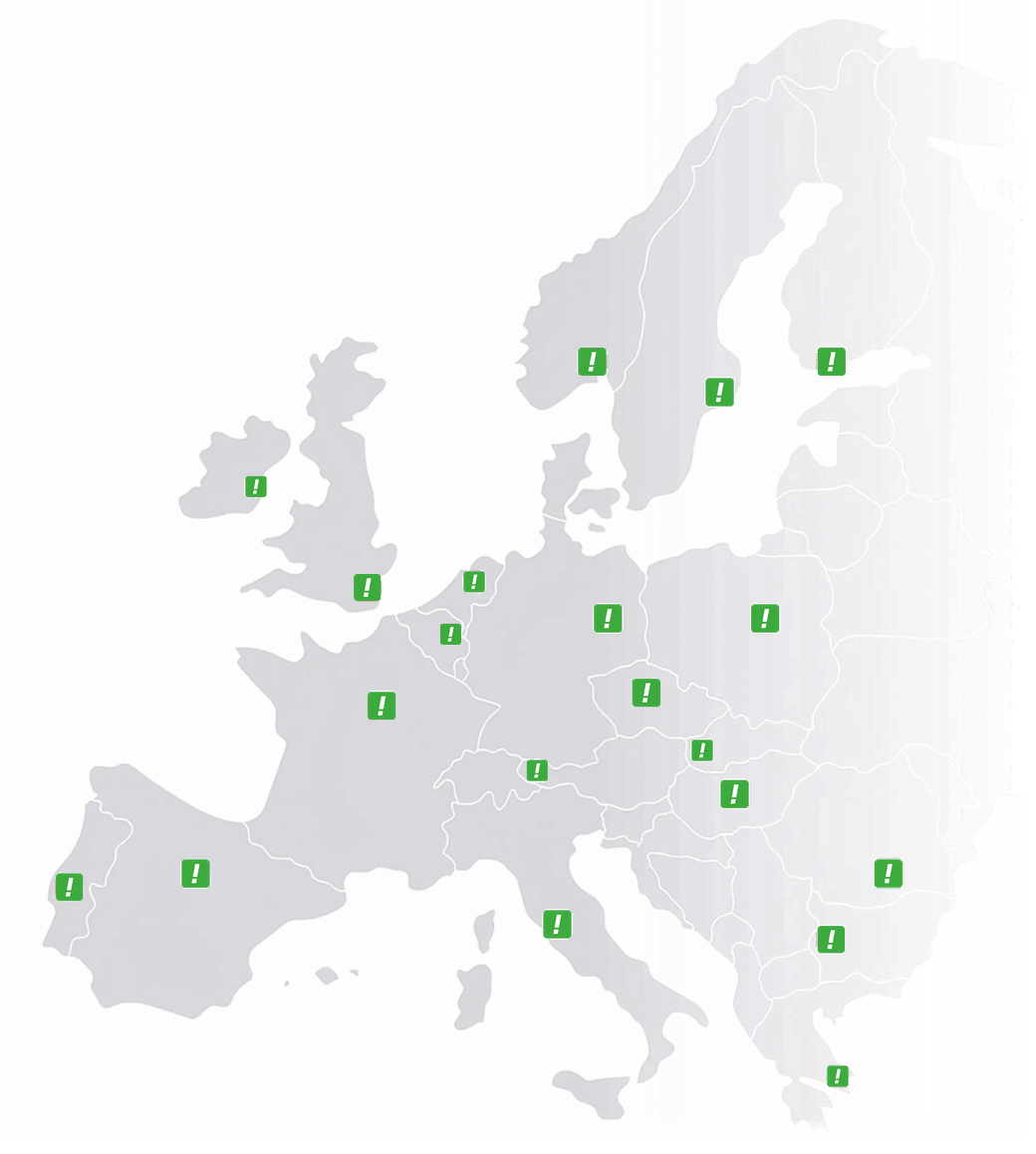

 Austria
 Belgium
 France
 Germany
 Italy
Italy Netherlands
 Poland
 Spain
Spain Sweden
 United Kingdom
 United States
Change it yourself, at ten to five on a Friday, without opening a ticket.
Every other page in this phone system says “changed from the dashboard whenever you like”, and this is that dashboard. Numbers, routing, opening hours, devices, users, recordings and statistics sit in one place, built so that an office manager with no technical background can move a destination, switch on night mode or find last Tuesday’s call without asking anyone’s permission or waiting for a provider to action it.
- €0 included with every number, with no licence fee on any plan
- Unlimited logins every colleague gets their own account and their own permissions
- Live at once a saved change applies to the very next caller, not overnight
- Full history no cap on how far back the call log goes, and recordings keep for the retention you set
A number’s route, and the override every business ends up needing
This is what “you configure it from the dashboard” actually looks like: three time conditions, each with its own chain of destinations and its own ring times. The clock decides which one is live until you decide otherwise, which is what the night-mode override is for.
0818 274 615 · Kinsella & Moran
routing · saved changes apply to the next callerOffice hours
Mon–Fri · 08:00–17:30 Live nowSinéad Whelan Ciarán Byrne Aoife Kellyno answer → queue with hold message → voicemail to email
Evenings & weekends
Mon–Fri from 17:30 · all day Sat–Sun Live nowVoicebot Duty mobilenot urgent → message taken, emailed overnight
Public holidays
from the holiday calendar Live nowWelcome message Voiceboteverything else → voicemail to email
What the next caller gets, right now
Sinéad Whelan · 8s → Ciarán Byrne · 10s → Aoife Kelly · 15s
It is inside office hours, so the first rule is live. The calendar will hand over to the evening route at 17:30 without anyone doing anything.
Night mode is the button people actually use. The calendar handles the predictable evenings and the public holidays on its own, while the override is for the unplanned afternoon (a funeral, a burst pipe, a training day) when the whole team needs to stop answering at twenty past two and nobody wants to edit a schedule to do it.
Ring times are set on the hop, not the number
Reception gets eight seconds because they are sitting there, and the surveyor gets twenty-five because he has to put a ladder down. Both live in the same chain, and you change either without touching the other.
Devices are named and linked to a person under Devices, so the chain reads in names.
The calendar does the predictable part
Office hours, evenings, weekends, public holidays and any date you add by hand. The route follows the calendar without anyone remembering to flip it on Christmas Eve.
Calendar-based routing, set once per number and edited whenever the hours change.
Saved is live. There is no deploy step.
The change applies to the very next call. That is the whole difference between running your own telephony and emailing a provider to ask them to run it for you.
No ticket, no change window, no “we’ll do it Monday morning”.
The browser is one door into the platform. It is not the only one.
Everything in the interface sits on top of the same platform, and the platform can be reached three ways. Most people use the screens, developers use the API, and more and more people simply ask for the change in plain language. The configuration and the instant effect are the same, so pick whichever suits the person making the change.
Open the number, change the row, save
The routing screen shown above. You add a destination, drag it up the order, change a ring time or switch the override on. Nothing is written in code and nothing needs testing before it counts.
This is the door almost everyone uses, and it is deliberately the one we design first. If a change is common enough to want, it should be possible without help.
Numbers › 0818 274 615 › Routing
Office hours · 3 destinations
+ add destination ⇅ reorder
Aoife Kelly · mobile · 15s
✓ Saved · live for the next caller
One request, from whatever already knows the rota
The same change as a request from your own software: the rota tool, the CRM, a script that runs at half past five. Our API is private and built to your spec, so the request on the right is the shape of the thing rather than a public endpoint to copy; the endpoints you get are agreed with you and documented for you.
Webhooks run the other way, with the platform telling your software when a call arrives, is missed or ends, and teams who like their configuration versioned can keep the routing in a file in a GitHub repository or upload one.
# add Aoife’s mobile to the office-hours route
PUT /v1/numbers/0818274615/routing/office-hours
Authorization: Bearer ••••••••••••••••
{ "add": { "device": "aoife-mobile", "position": 3, "ring": 15 } }
200 OK · live for the next caller
Say what you want changed, approve it, done
Type the request into the assistant inside the interface: it works out which setting you mean, shows the change it is about to make and applies it once you approve. The same request can also come from Claude, ChatGPT or Gemini: we connect your own AI on request and set it up with you, because the connection gives access to your whole account.
Nothing is applied on a guess. The assistant proposes, you confirm, and the routing above changes for the next call, on the same platform and with the same instant effect.
You
Add Aoife’s mobile to the office-hours route, third in line, 15 seconds.
Assistant
Office hours → position 3: Aoife Kelly · mobile · 15s. Apply this change?
✓ Approved · live for the next caller
All three make the same change to the same platform, and all three take effect on the next call.
There is no “advanced” tier that unlocks the API, and no separate product for the AI assistant. They are three interfaces onto one configuration, and a change made in one is visible in the others immediately. That matters more than it sounds, because the office manager is never locked out of something the developer set up, and the developer never has to reverse-engineer a change somebody made in a form.
screens · private API and webhooks · routing from a GitHub repository or an uploaded file · assistants that take the instruction as a sentence
Everything about the phone system, in one place rather than four
Routing is the screen people open most, but it is not the only reason to log in. The point of one interface is that the call you are looking for, the person who took it and the rule that sent it there are all in the same place.
Every call, and the route it took
Caller, date, time, duration and which path through the routing it followed. Filter by period, device or caller to find the one a customer is asking about, and where recording is switched on, play it straight from the row.
Add a note to a call, or star it so a colleague knows it needs following up.
Numbers without needing an analyst
Average call length, total volume, the landline-versus-mobile split and peak hours by day or week, over any period up to a year back. On top of that come three top-ten lists: busiest devices, most frequent callers, and the towns calls came from.
Export to Excel, or have the report emailed daily, weekly or monthly.
Their own login, their own view
Each colleague gets an account and you decide what it can see. An office manager gets everything, while a field worker sees only their own calls and recordings, so nobody shares a password to look something up.
Unlimited users. Adding one costs nothing, so there is no reason to share.
Every endpoint, named and assigned
Softphones, desk phones, mobile numbers on fixed-on-mobile and raw SIP accounts. Give each one a name a human recognises, link it to a person, and set where it sits in the ring order.
This is what makes the routing chain readable, with names instead of extension numbers.
What callers hear before anyone answers
A welcome message in your own recording or generated from typed text, a menu if callers need to choose, and hold music or a message for the queue, changed and live in the time it takes to save.
Text-to-speech means a new message in seconds, without booking a voice artist.
Personal logins, nothing stored locally
Each person signs in with their own credentials over an encrypted connection, and no calls or recordings are kept on the device you happen to be using, which matters when that device is a shared machine or a phone on a train.
Remove someone’s access the day they leave, without changing anything else.
Nothing. It comes with the number, on every plan.
Charging separately for the screen that controls the service you already bought has always struck us as a strange way to do business. It is included for everyone, with no tier that unlocks the useful parts.
No licence fee, on any number
Irish or international, one number or fifty. The interface is part of the service rather than an add-on, so there is no line on the invoice for it and no upgrade that unlocks the good screens.
No charge per login
Add every colleague who needs one. Because users cost nothing, permissions can be set properly instead of five people sharing one account because the sixth would have cost extra.
No cap on history
The call log goes back as far as your account does. Nobody has to export before a rolling window closes, and a query about a call from last year is still answerable.
Complex routing set up for free
If the first configuration is genuinely complicated, such as a menu into several teams, calendar rules or an overflow pattern, our specialists build it with you at no cost. After that you run it yourself, which is rather the point.
Included
- All numbers, Irish and international
- Unlimited user accounts
- Unlimited call history
- Statistics and Excel export
- API access on the same account
- Free help with complex routing
Recording storage and per-minute call charges follow your plan. The interface itself is not metered.
This is the admin portal. The team dashboard is the shared screen.
Two tools, two audiences, on purpose. Keeping them apart is what lets you give the whole phone team a screen of their own without handing everyone the routing.
Web interface
Where the phone system is configured, opened when something needs changing rather than every morning.
- Numbers, destinations and routing rules
- Opening hours, holidays and voicemail
- Menus, queues, recording and statistics
- Users, devices and permissions
For whoever runs the phone system.
Team dashboard
The shared board for the people who answer. Open at the start of the day, glanced at, clicked once or twice.
- See who is available, away or mid-call
- Set your own availability
- Set your own position in the queue
- See the numbers your team answers on
For everyone on the phone team.
A person can have both, or only the dashboard. Permissions are set here. See the team dashboard
The layer above every endpoint on the platform
Each of these has its own page, and all of them are configured from here. Which device a person uses is a line in their profile, not a different product you buy.
Fixed on mobile
Add a colleague’s mobile as a destination and it rings over the mobile network, with no app and nothing installed on their handset, while their own number stays private.
Desk phone
Create a VoIP account here, type four fields into any SIP handset, and it appears in the routing chain by name.
Softphone
The same four credentials on a laptop, plus the Linphone licences, which are assigned, released and reassigned from this interface.
Team dashboard
Created here, used elsewhere. You define the team and its numbers, and the team manages its own availability on their own screen.
AI voicebot
Dropped into a routing chain like any other destination, usually at the end for evenings and overflow and sometimes at the front to ask what the caller needs.
Call insights
The fuller analytics view of what the call log and statistics screens show, for when the pattern matters more than the individual call.
Web interface: frequently asked questions
No. This is the admin portal where numbers, routing, hours, devices, users and recordings are configured. The team dashboard is the shared screen where the people answering the phone set their own availability. A person can have access to one, the other or both, and you decide that here.
Immediately. A saved change applies to the next caller, with no deploy step, no change window and no ticket with us. That is the main practical difference between managing your own telephony and asking a provider to manage it for you.
No. It runs in any modern browser on a desktop, laptop, tablet or phone, and nothing is stored on the device you are using. You can change a destination from a train as easily as from your desk.
Yes. Each person gets their own login and you choose what it can see: full access for whoever runs the system, and only their own calls and recordings for someone in the field. Users are unlimited and free, so there is no reason for anyone to share an account.
Yes, where call recording is switched on for that number. Recordings play straight from the call log, and you can add a note or star a call that needs following up.
Yes. Statistics export to Excel, reports can be emailed to you daily, weekly or monthly, and the API gives you the same data programmatically if you would rather pull it into your own systems.
Yes. The same configuration is reachable through our API and webhooks, from a routing file in a GitHub repository, or by asking one of our AI assistants in plain language. All three make the same change to the same platform and take effect on the next call.
Access is per person with their own credentials over an encrypted connection, and no calls or recordings are stored locally on the device. When somebody leaves, removing their login removes their access without disturbing anything else.
No. It is included with every CallFactory number on every plan, with no licence fee, no cap on logins and no limit on how far back the call history goes.
Our specialists will set it up with you for free, whether it is a menu into several teams, calendar rules or an overflow pattern. After that you run it day to day yourself, which is the point of handing you the interface rather than keeping it.
The control panel is not the upsell. It is the thing you were buying.
A number you cannot change the routing on is somebody else’s number. Every CallFactory number comes with the interface, the logins and the history, from the first one.