
 Austria
 Belgium
 France
 Germany
 Italy
Italy Netherlands
 Poland
 Spain
Spain Sweden
 United Kingdom
 United States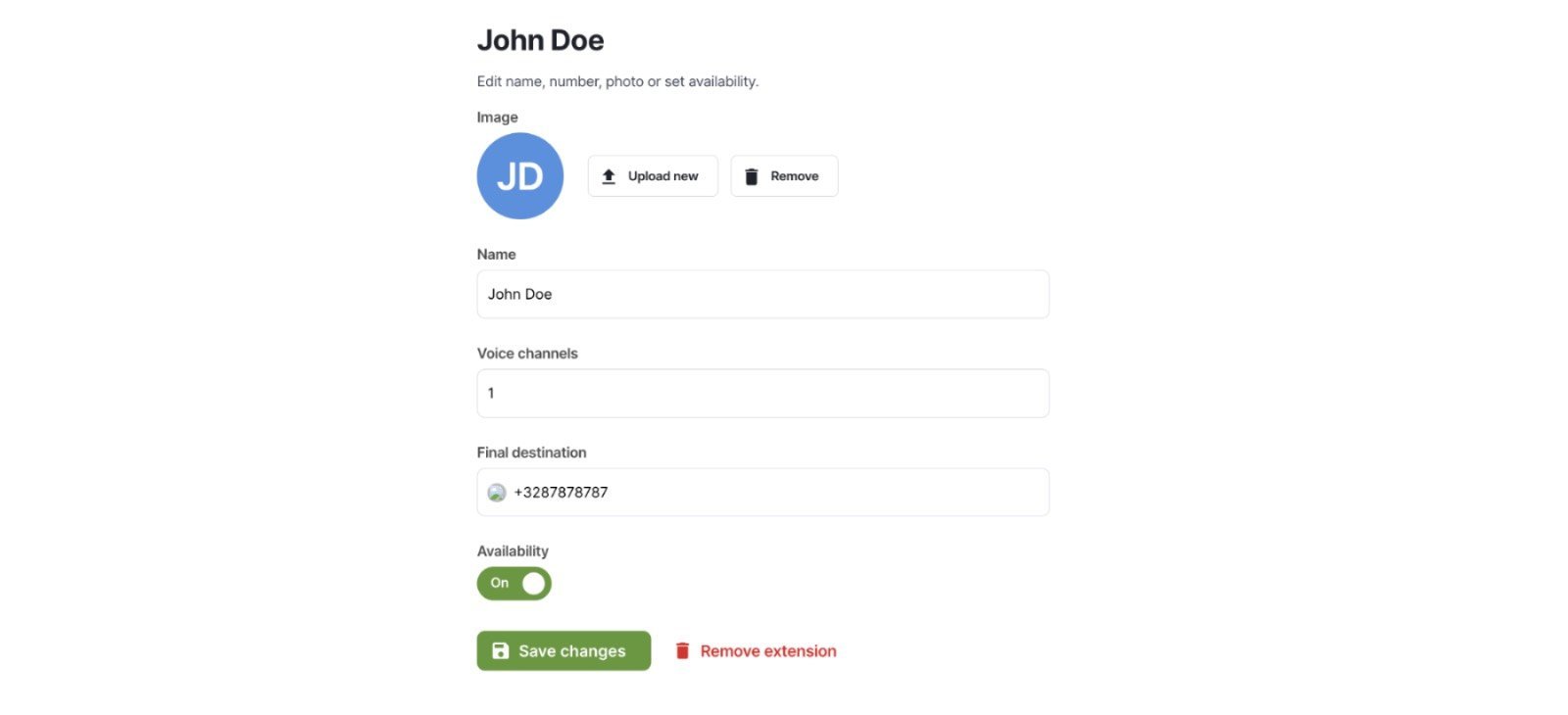
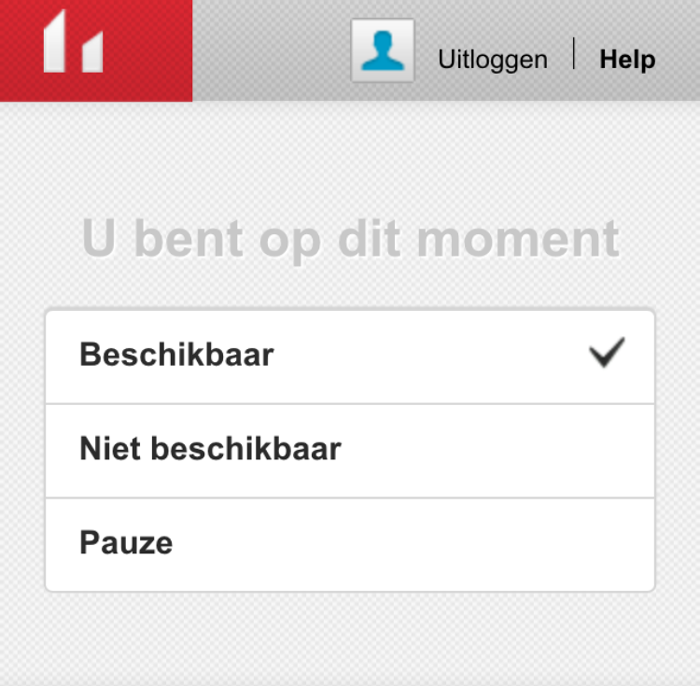
Once you have logged in to the CallFactory app, you can change your status by simply selecting the new status on the status screen. The application has 3 statuses:
- Available: this means that incoming calls can be forwarded to you.
- On Break: you are temporarily unavailable, and no calls will be forwarded to you while you are on break.
- Unavailable: no calls will be forwarded to you.
To change your status, simply click on the new status.
Your status is updated in real-time.